
Built to run on the PC you already have
Four graphics levels, an automatic fallback when frames drop, and a retro filter that's a choice rather than a limit.
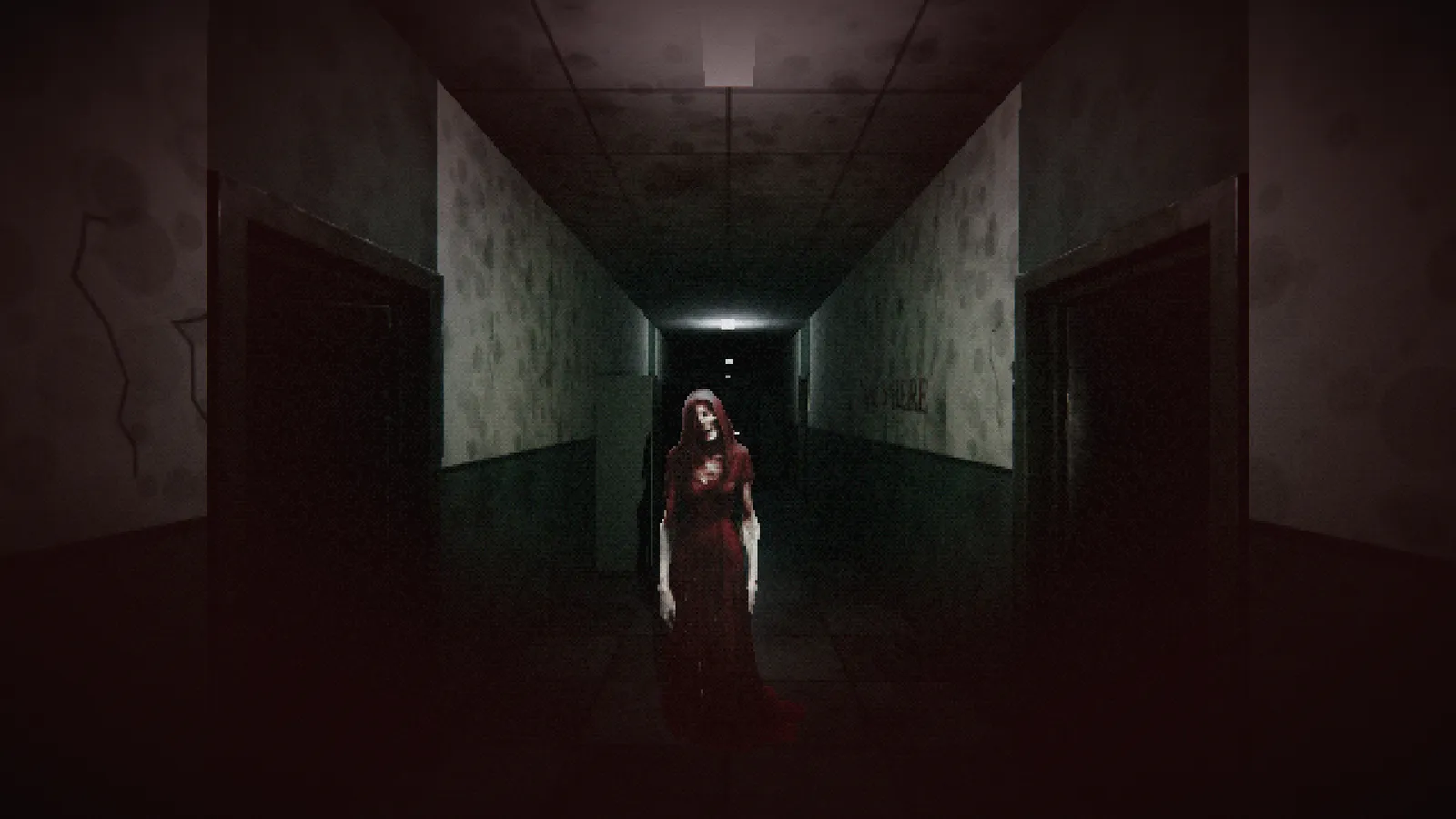
A lot of the players we make games for are on school laptops and office PCs, not gaming rigs. So Madam Koi Koi is built to run on integrated graphics.
It picks your settings for you
The first time you play, the game looks at your graphics chip, processor and memory and picks a quality level: Very low, Low, Medium or High. You can change it at any time. If the game starts slowing down mid-chase, it can lower the quality by itself; you can turn that off in Settings.
- Very low and Low turn off real-time shadows and use fewer lights.
- Resolution scale renders fewer pixels and scales them up. That helps a lot on laptops.
- Windowed mode with a choice of resolution, for older screens.
- An interface size setting, so text stays readable on small or large displays.
The retro filter
Press P, or switch it on in Settings, for a PS1-style look: lower resolution, fewer colours, polygons that wobble. It's how horror looked when we were growing up, and it hides just enough that your imagination does the rest.